 India and the UAE are currently served by our service, and we're expanding to the USA.

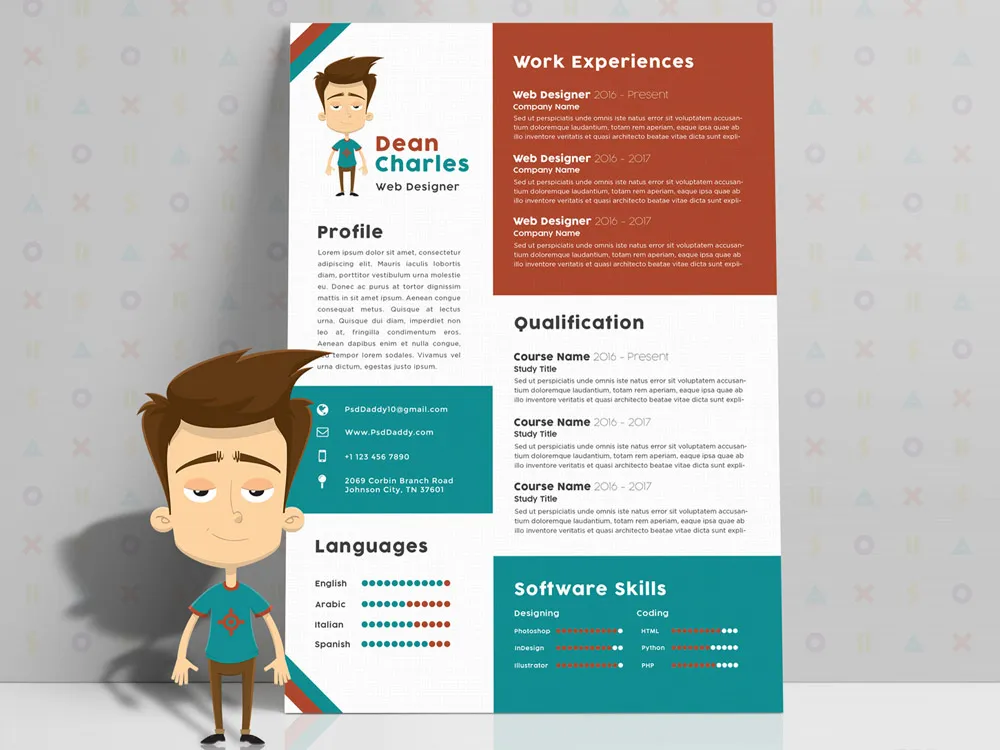
Why Use a Free Resume Generator?
Time-Saving: Creating a resume from scratch can be time-consuming, especially if you’re unsure about formatting or which information to include. A resume generator streamlines this process and offers pre-built sections and design options to ensure your resume looks polished.
Customization: Most free resume generators provide multiple templates tailored to various industries and job roles. Whether you’re applying for a creative position or a more formal role, you can choose a template that suits your needs.
Free and Accessible: Many resume generators offer free versions, with premium features available at a cost. These free versions are often sufficient for creating a professional resume without any upfront costs.
Easy to Use: No design or technical skills are required to use a resume generator. All you need is the information you want to include, and the tool takes care of the rest.
Top Free Resume Generators You Should Try
Here are some of the best free resume generators available today:
Zety
Zety offers an easy-to-use resume builder with a variety of customizable templates. The platform guides you through the resume creation process step-by-step and provides helpful tips for optimizing your content. While some features are paid, the free version allows you to create and download a resume in PDF format.Canva
Canva is known for its graphic design tools, but it also offers an excellent free resume builder. With a wide range of modern, stylish templates, you can easily create visually appealing resumes that reflect your personality and professionalism.Indeed Resume Builder
Indeed offers a free resume generator that lets you build your resume directly on the platform. It’s particularly helpful if you plan on applying for jobs through Indeed, as your resume can be stored and easily submitted to employers.Resume.com
Resume.com is another simple, free tool that provides various templates for job seekers. It’s a user-friendly option for those who need a straightforward resume without the bells and whistles.Novoresume
Novoresume offers both free and premium options, with the free version being quite comprehensive. The tool allows you to create a resume tailored to your specific career stage and provides detailed tips along the way.


How to Use a Free Resume Generator
Using a free resume generator is straightforward. Follow these simple steps:
Choose a Template
Select a resume template that best suits your profession and personal style. Consider the tone of the job you’re applying for—creative positions may warrant a more unique design, while corporate roles generally require a more formal layout.Enter Your Information
Fill in your personal details, work experience, education, skills, and other relevant information. Some generators may even allow you to add a cover letter or a portfolio link.Customize the Design
After entering your information, customize the design of your resume. You can adjust fonts, colors, and layout to match your preferences. However, make sure that the resume remains professional and easy to read.Download or Share
Once you’re satisfied with your resume, download it in your preferred format (PDF, Word, etc.). Some platforms also let you share your resume directly with recruiters or potential employers.
Tips for Creating a Winning Resume
Even with the best resume generator, your resume will only be as effective as the content you include. Here are a few tips to ensure your resume stands out:
- Focus on Achievements, Not Just Responsibilities: When listing your work experience, highlight your accomplishments and the impact you made in each role.
- Use Action Verbs: Start each bullet point with strong action verbs like “led,” “managed,” “improved,” and “designed” to convey your contributions clearly.
- Tailor Your Resume: Customize your resume for each job application by adjusting keywords and skills to match the job description.
- Keep it Concise: Ideally, your resume should be one page long. Stick to the essentials and avoid unnecessary details.
Frequently Asked Questions
What is a Free Resume Generator and How Does It Work?
A free resume generator is an online tool that helps users create professional resumes quickly and easily without the need for design skills. Users input their personal information, such as work experience, education, skills, and contact details, and the tool automatically formats this into a polished resume template. Many resume generators offer various templates for different industries and allow customization of design elements, such as fonts and colors. Once the resume is complete, it can be downloaded in PDF or Word format.
Is It Really Free to Use a Resume Generator?
Yes, many resume generators offer free versions with essential features to help you create a professional resume. The free version typically includes basic templates, unlimited edits, and downloadable resumes in formats like PDF. However, some platforms offer premium features (such as additional templates, advanced design options, or cover letter builders) for a fee. Always check the terms before using the tool to ensure you are using the free features.
What Should I Include in My Resume Created by a Free Resume Generator?
When creating a resume using a free resume generator, make sure to include the following essential sections: Contact Information: Full name, phone number, email address, and links to professional profiles (e.g., LinkedIn). Professional Summary: A brief overview of your career, key skills, and job goals. Work Experience: List previous positions, companies, dates of employment, and key achievements. Education: Include your degrees, certifications, and relevant academic experiences. Skills: Highlight technical and soft skills that align with the job you’re applying for. Additional Sections (optional): Languages spoken, awards, publications, or volunteer work, depending on your profession.
Free Resume Generator!!
When comparing free resume generators, it's important to consider factors such as ease of use, template variety, customization options, and the types of downloads available. Tools like Zety offer a guided experience with multiple templates and helpful tips, although some advanced features may require a paid upgrade. On the other hand, Canva provides visually appealing, modern templates that can be fully customized, making it ideal for creative professionals. However, while the free version allows downloading in PDF, some premium elements are locked behind a paywall. Indeed's resume builder is unique in that it integrates directly with the job application process on their platform, allowing you to create and share your resume with potential employers instantly, but its template selection is more limited. Resume.com offers a simple, no-frills approach, providing quick resume creation and free downloads but lacks the advanced customization of other platforms. Ultimately, the best choice depends on your needs: if you're looking for design flexibility, Canva is a great option; for job-specific convenience, Indeed may be the way to go; for detailed guidance and structured templates, Zety could be most beneficial. Each tool provides a different balance of features, so it’s worth exploring a few to find the one that suits your job-seeking goals.